Download for free, and start using the BI TotalAccess® app today!
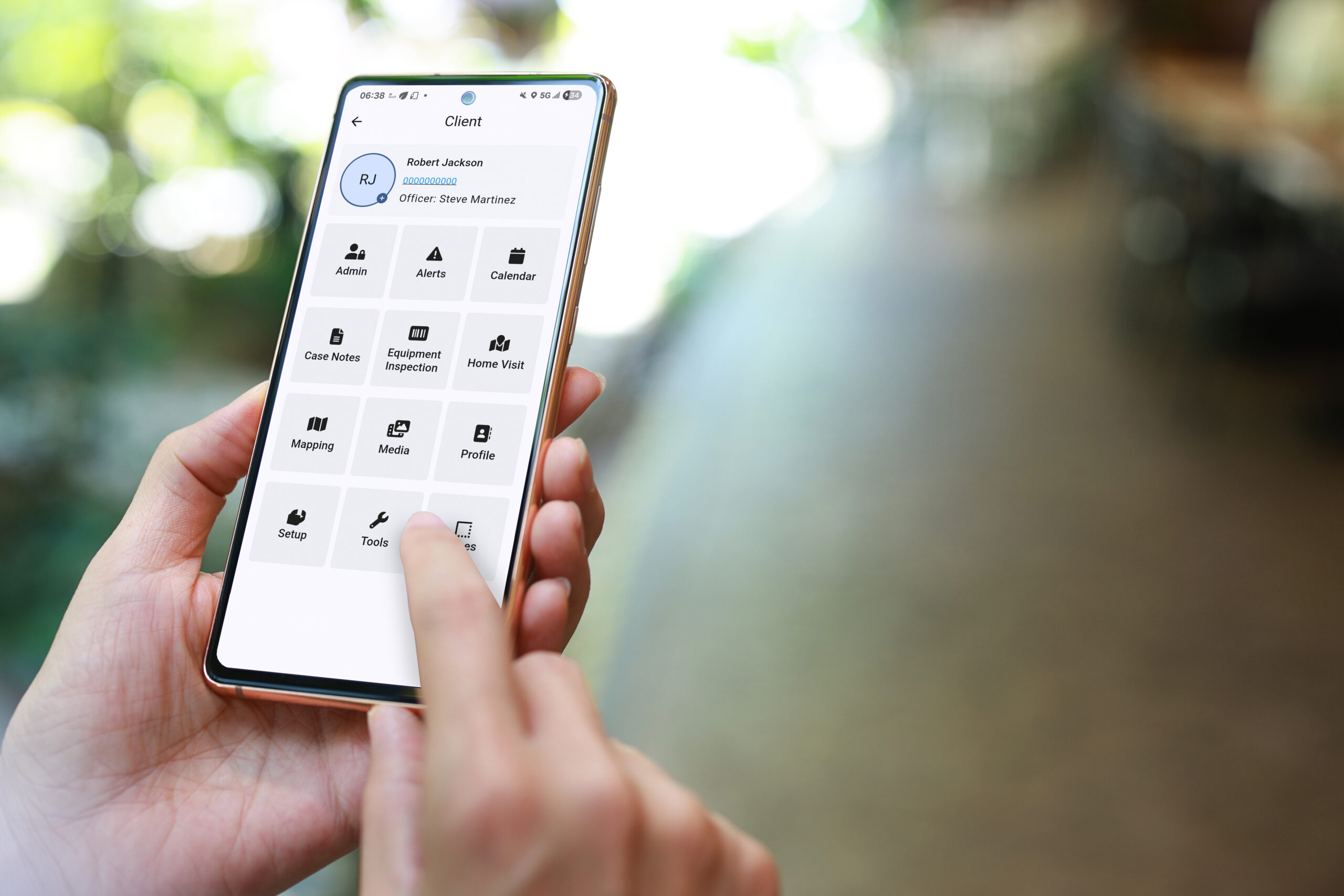
Developed based on customer needs and feedback, this dynamic officer app puts the functionality of BI TotalAccess on your smartphone.
The TotalAccess app enables you to quickly and effectively:
Manage alerts and generate violations
Approve or deny client schedule requests with a single tap
View/edit client profiles, schedules, and case notes
See a client’s GPS points, location history, and custom zones
Easily access client documents
Securely conduct video conferences and send messages to clients
Tamper reset functions, field visits, self-pay management, and more
To use the app, authentication in TotalAccess is required. Follow the steps below to authenticate your smartphone.
Click “Generate Activation Token” on your Profile in TotalAccess.
Choose to email the activation token code to your email on file and/or enter a different email. NOTE: To give others in your agency access to this smartphone, select “Share device with other officers in this customer”.
Once you’ve downloaded the TotalAccess app, click on “Activate TotalAccess app” from within the email you received. This will copy the activation code and automatically open the app.
Enter your TotalAccess login credentials, and tap “Log In”.